
 Dawdlesaurus
Track your time. Tame your distractions.
Dawdlesaurus runs quietly in the background and tells you the truth: how much of your day was real work, where the drift went, and how long you actually focused. No account, no monthly fee, and nothing ever leaves your PC.
What it does
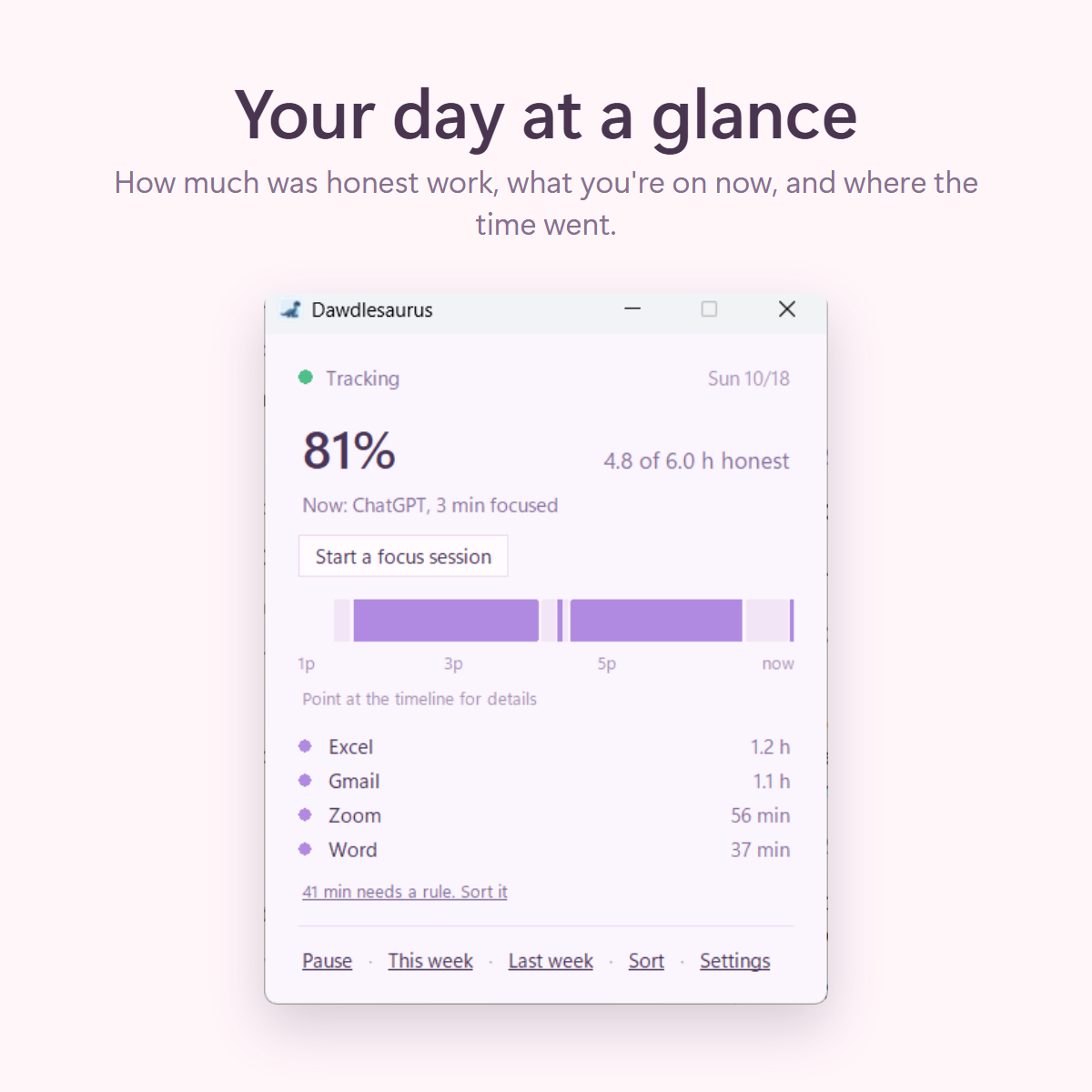
- A live timeline of today, one click away.
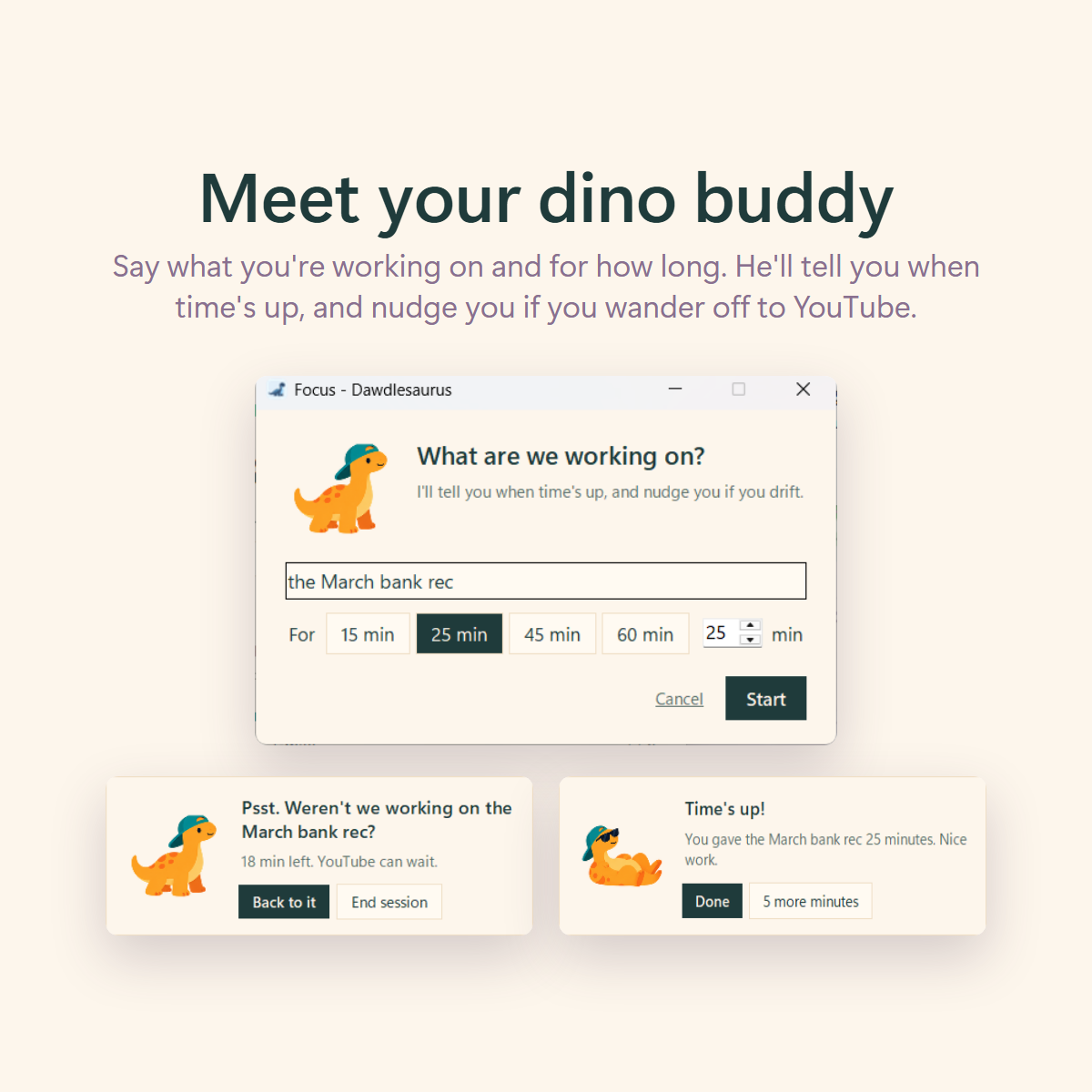
- A dino buddy for focus sessions: say what you're working on and for how long. He tells you when time's up, and nudges you if you wander off to YouTube. Turn him off any time.
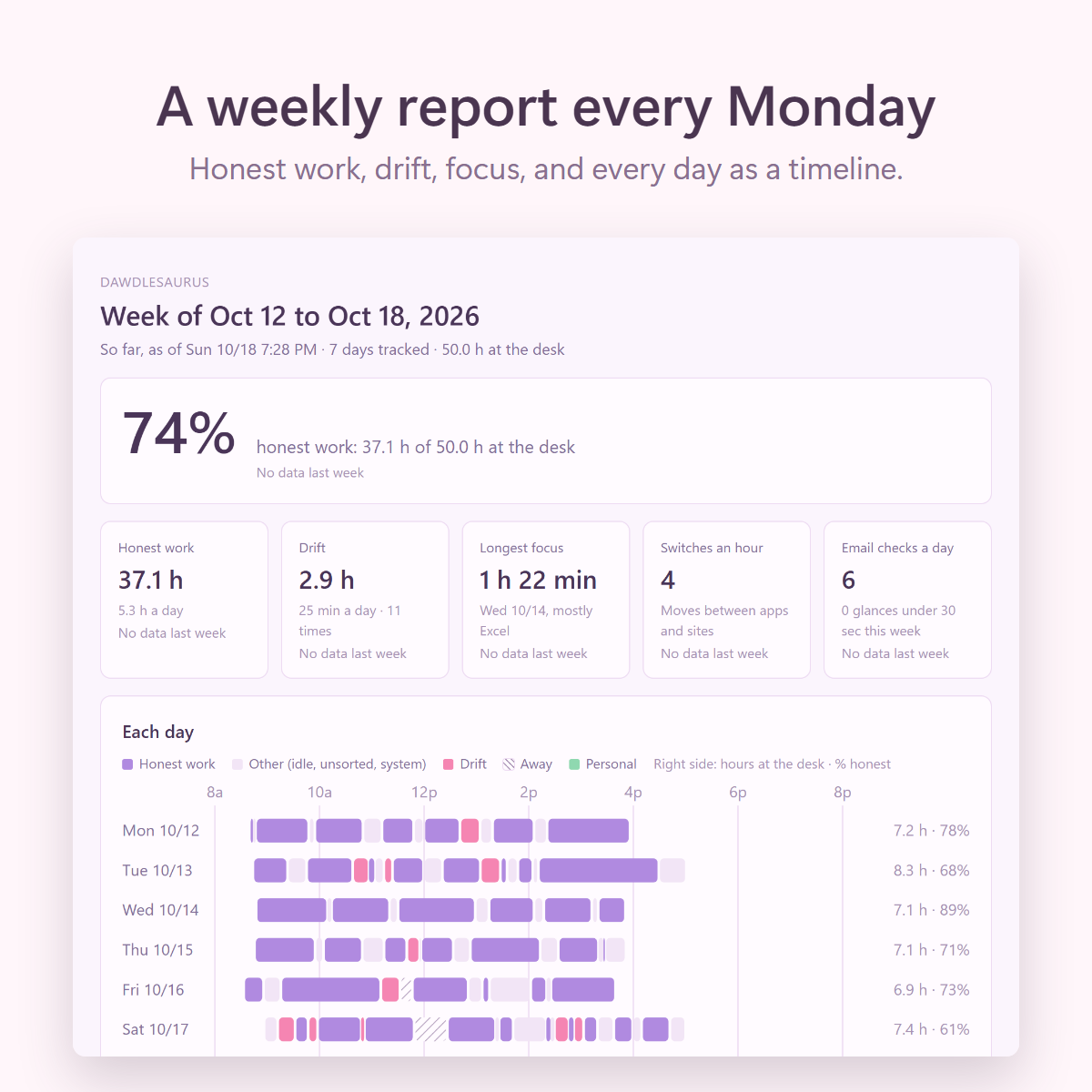
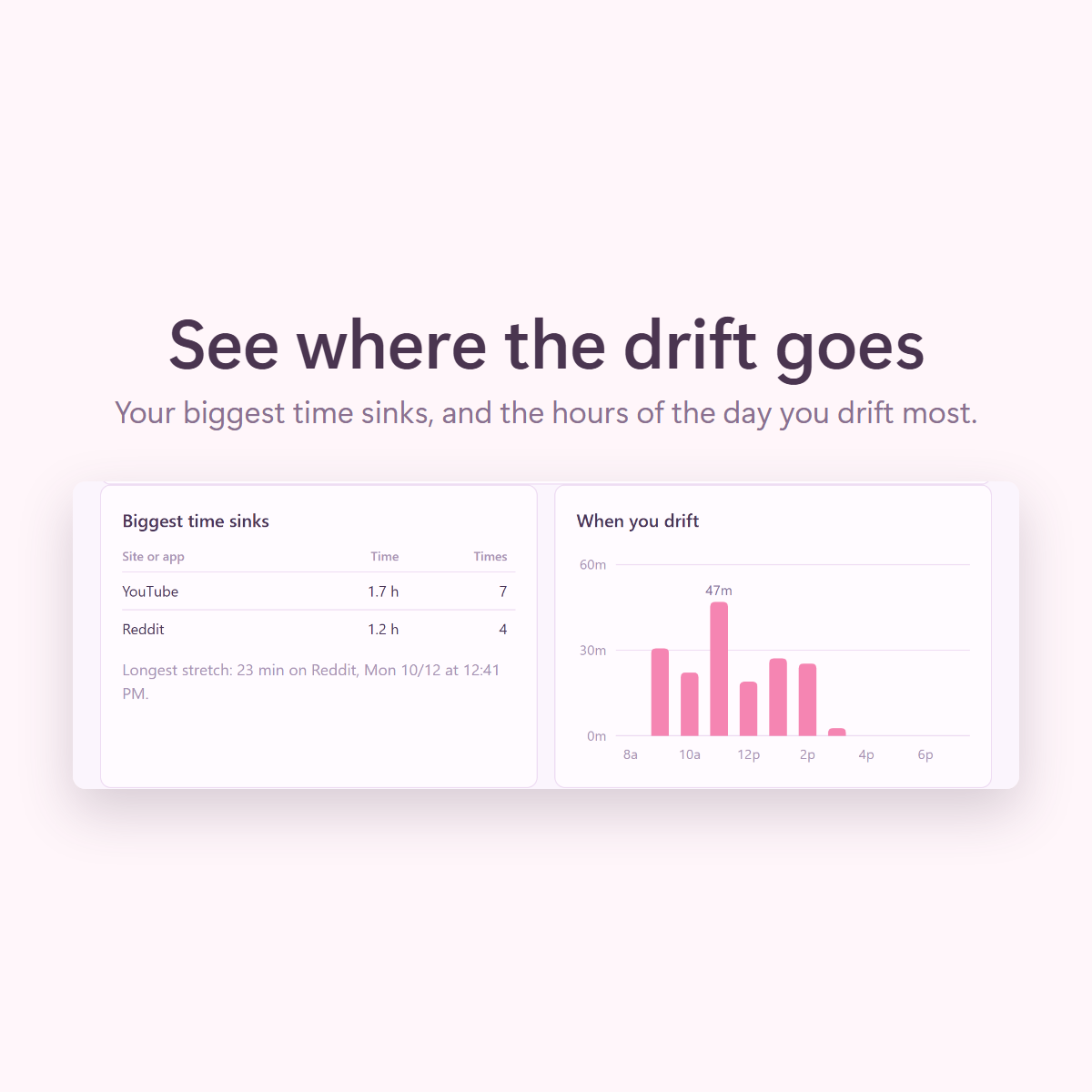
- A weekly report every Monday: honest work, drift, focus stretches, your biggest time sinks, and when in the day you drift.
- Walk away for 10 minutes and a small card asks what it was: a call, a meeting, a break, or personal.
- Personal browser profiles count as personal time, never as drift.
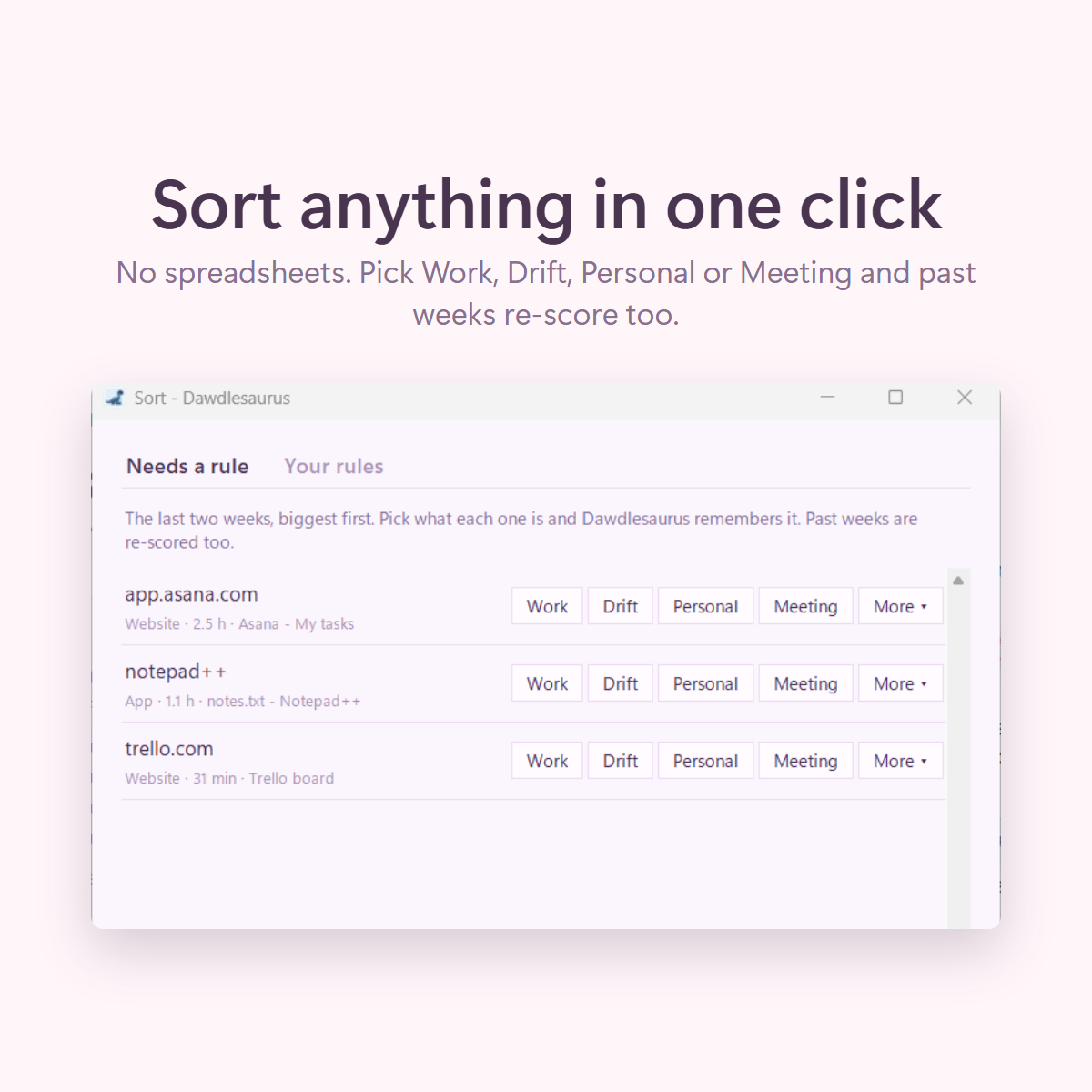
- Your rules, your call: click anything unsorted and pick Work, Drift, Personal or Meeting. Starter packs cover the usual apps and sites.
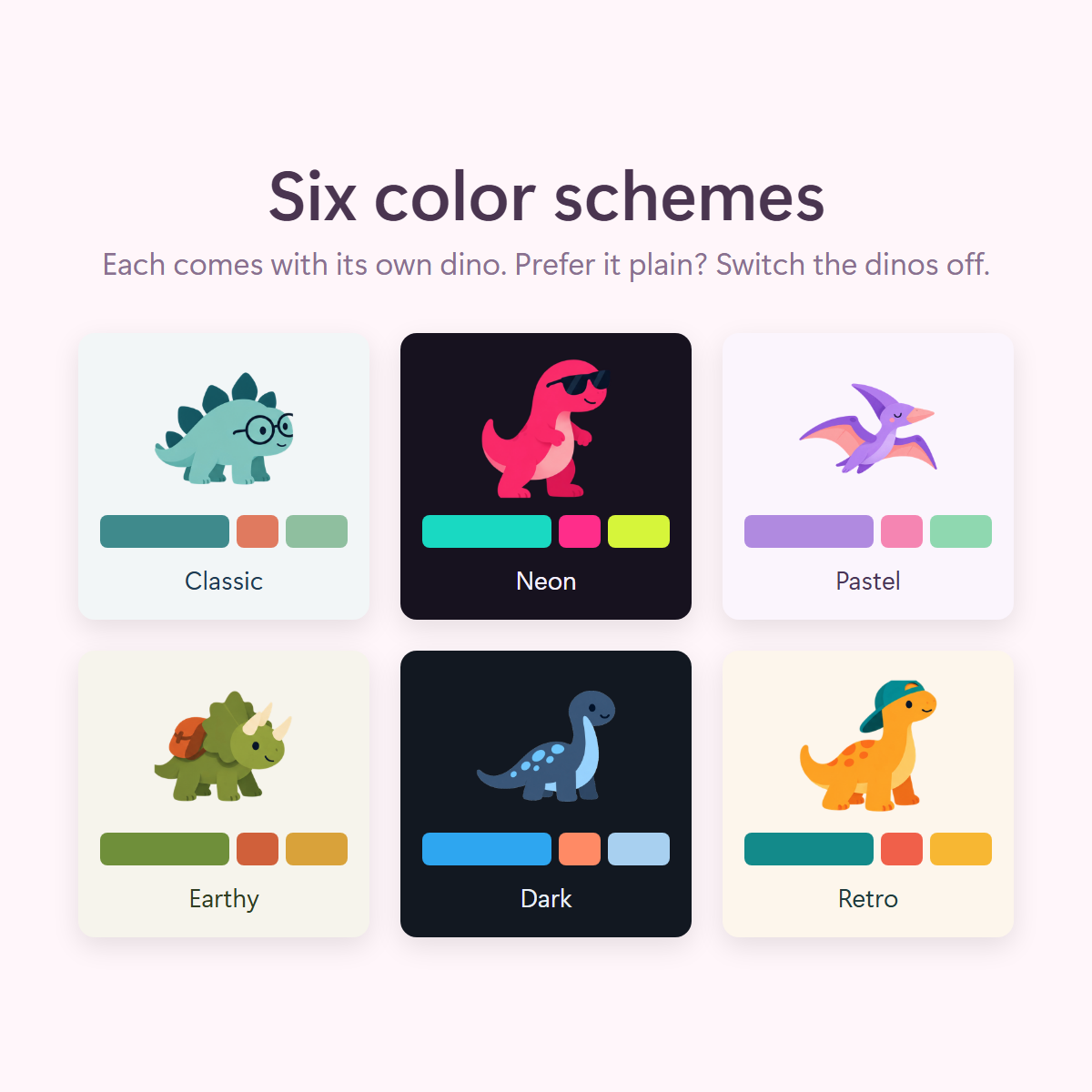
- Six color schemes (Classic, Neon, Pastel, Earthy, Dark and Retro), each with its own optional dino.
Good to know
Try it for 7 days. The free trial is built in: everything works for 7 days before you enter your key, and your history carries over.
One price. $39, one time. Free updates for version 1. Popular trackers charge $7 to $13 a month, every month.
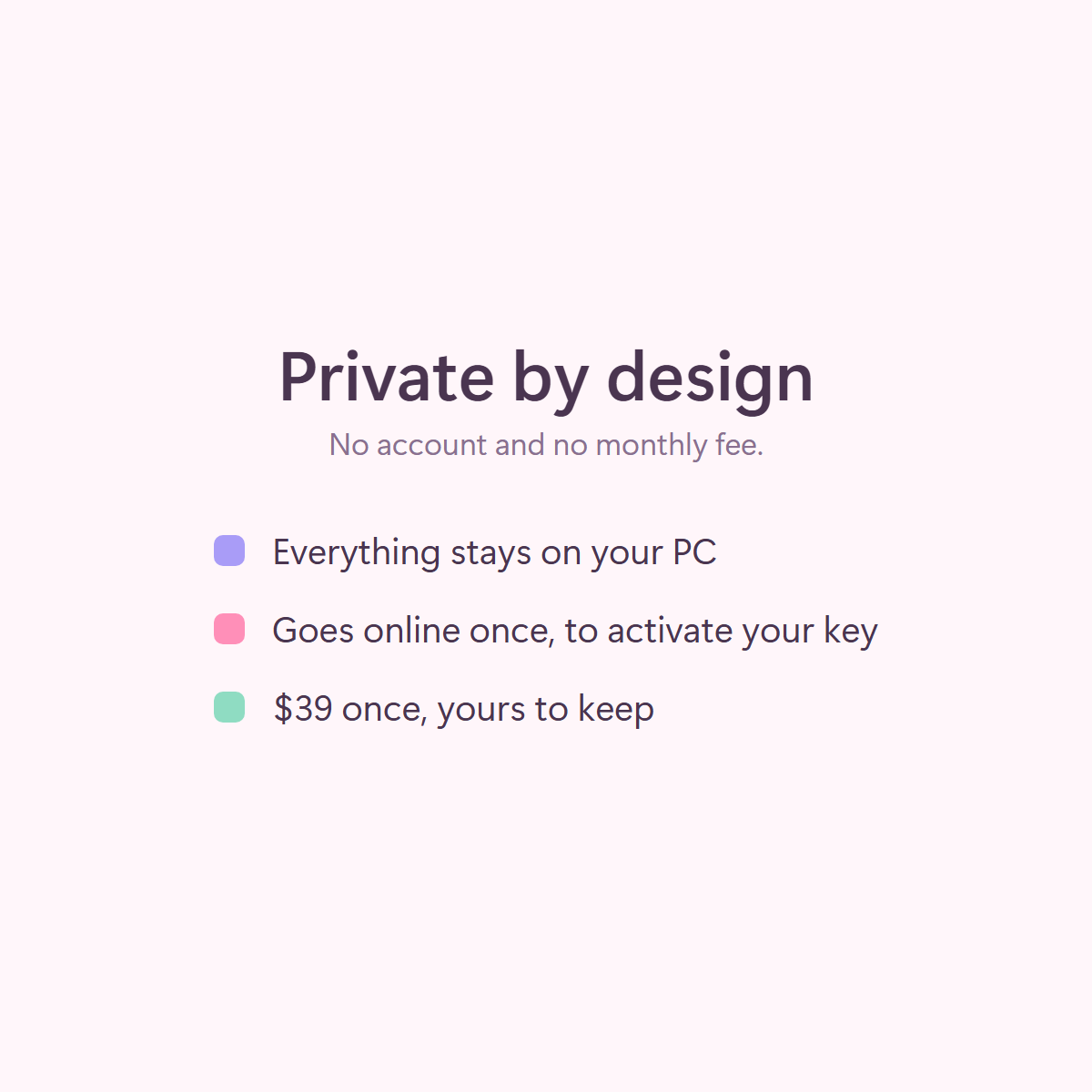
Private by design. Dawdlesaurus keeps everything in a folder on your PC. To tell which website a tab is on, it reads your browser's history on your PC; that never leaves it either. The only time it goes online is when you activate your key, and then it sends only the key and an anonymous ID for your computer.
Details. Windows 10 and 11. Works with Chrome, Edge, Brave and Firefox. Browser profiles: Chrome, Edge and Brave. One person, up to 3 computers. 14-day refund, no questions asked.
Questions
Will Windows warn me when I install it?
Yes, Windows shows "Windows protected your PC" for new apps from small makers. Click More info, then Run anyway. Dawdlesaurus installs just for you and doesn't ask for admin rights.
Can I try it before I pay?
Every copy has a 7-day free trial built in, so you can use everything for a week before you enter your key. If it isn't for you, you have 14 days to ask for a refund, no questions asked.
Where's my license key?
In your purchase email. Install Dawdlesaurus, then enter the key on the first screen or in Settings.
Does it track my phone?
No. It tracks the Windows PC it's installed on.
Can my boss see it?
No. Nothing leaves your PC, and there's no account or dashboard anywhere else.
What if I get a new computer?
Open Settings on the old one and choose Move to another PC, then activate on the new one. Your key works on up to 3 computers at a time.
How do I uninstall it?
Windows Settings > Apps > Dawdlesaurus > Uninstall. It asks whether to keep your history.